GoodGrow Productivity App
January - May 2025
(5 months)
Creator (personal project)
Adobe Creative Suite, Figma
I designed a productivity app, GoodGrow, that incorporated a digital garden for students to motivate them to study. The app allows students to set a timer and watch an assortment of flowers to bloom while the student works, encouraging them to focus on their assignments and not their phone screens.
The Problem
Students are constantly getting distracted by features on their phones when studying, resulting in decreased productivity and a shortened attention span.
The Solution
Develop a productivity app that encourages students to stay off their phones through a study timer and virtual garden.
See how the GoodGrow app can be used for studying!

Define + Research
Struggling to stay focused while studyingThe idea for GoodGrow stemmed from my frustrations as a student who was constantly getting distracted by my phone while studying. I'd open up my textbooks, pick up my phone "just to check the time," and then immediately get distracted by notifications from other apps.
I wanted to build a solution that would motivate me to study in short time intervals- the same way a Pomodoro timer works. Flower elements are common throughout my design work, so I decided to incorporate my favorite flowers into a productivity timer app.
How Might We
How might we encourage students to stay focused during studying?
How might we prevent students from accessing distracting apps on their phones?
I focused on a solution with three parts:
Study incentive
Students set up a to-do list and choose a flower to "bloom" while they study. As students log more study sessions, they gain "sprouts" and unlock more species of flowers that they can later buy with these "sprouts".
Staying off the phone
During each timed study session, students must stay off of their phones. If students exit the GoodGrow app to check something else on their phone while the timer is still going, the flower begins to wilt.
Tracking progress
After every successful study session, a.k.a. fully bloomed flower, that flower would get added to the student's personal garden and students gain "sprouts". The more study sessions students have, the more their garden flourishes!
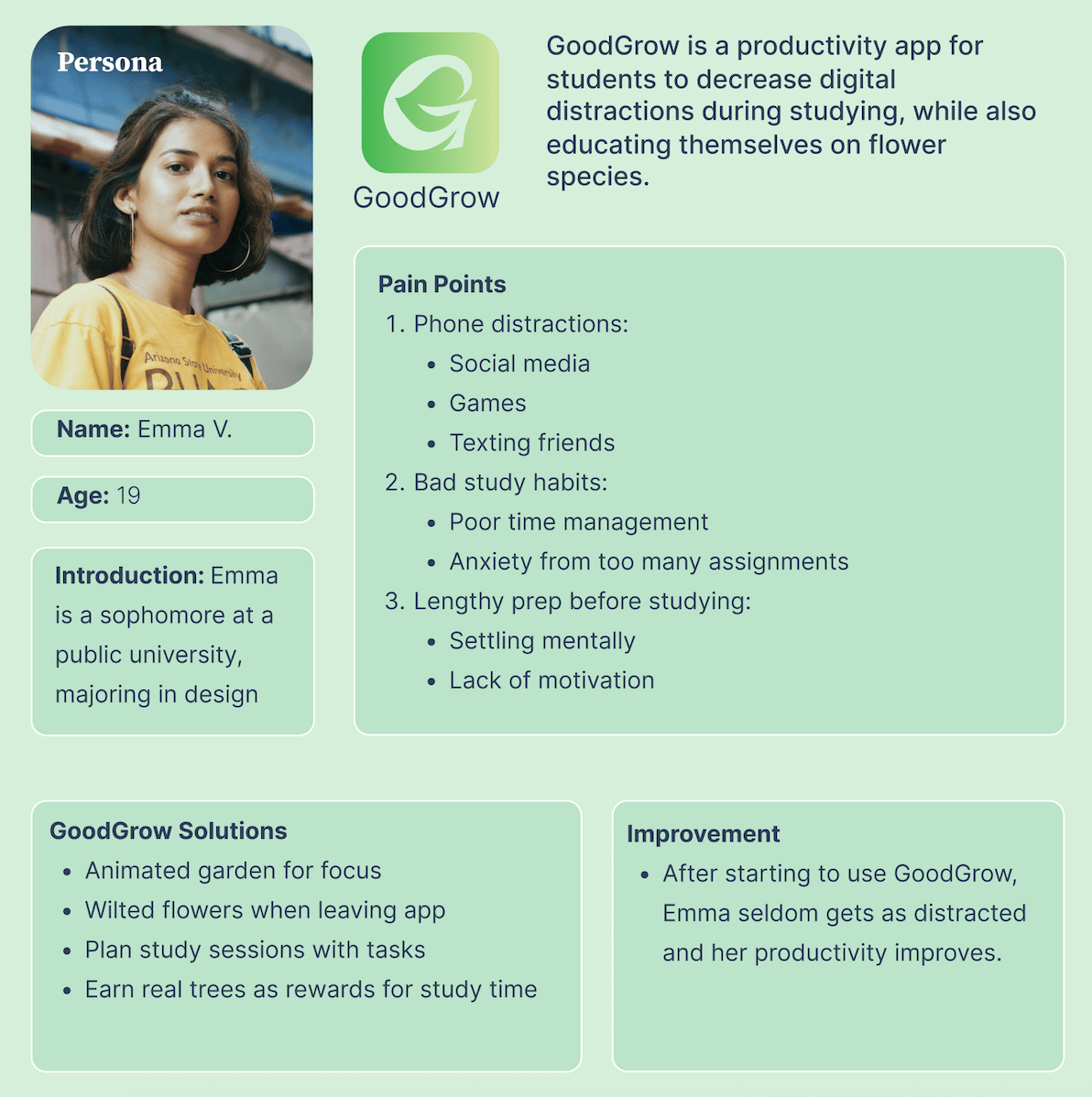
To determine what kind of users GoodGrow would target, I held many conversations with my friends as well as a few of my professors about the tactics they used to stay focused while studying. Below is the user persona I developed to guide the app's design:
I brainstormed all the different user flows students might take while using the app, as well as wireframes for several app functions (such as starting a timer and planting flowers for the timer).
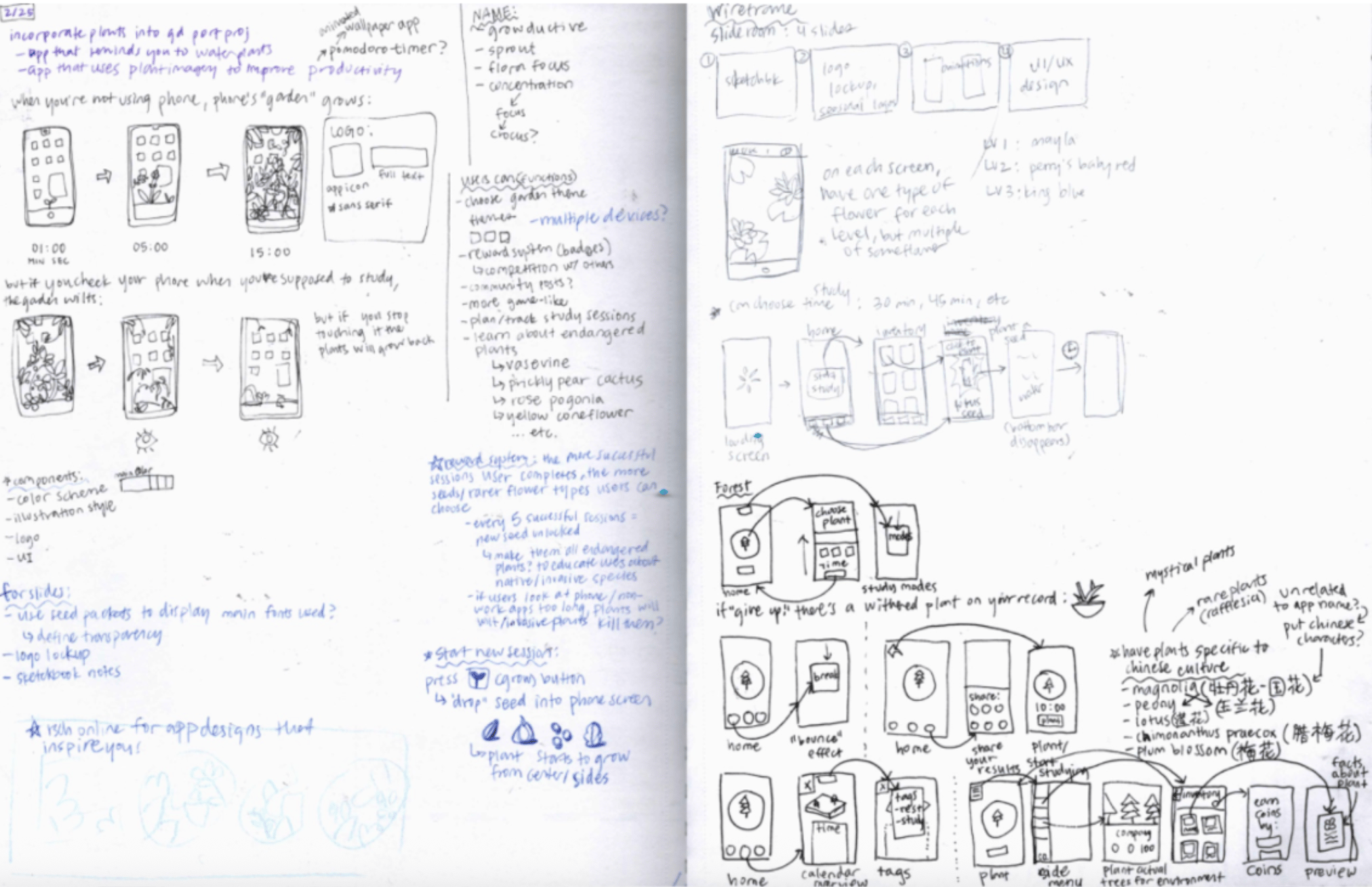
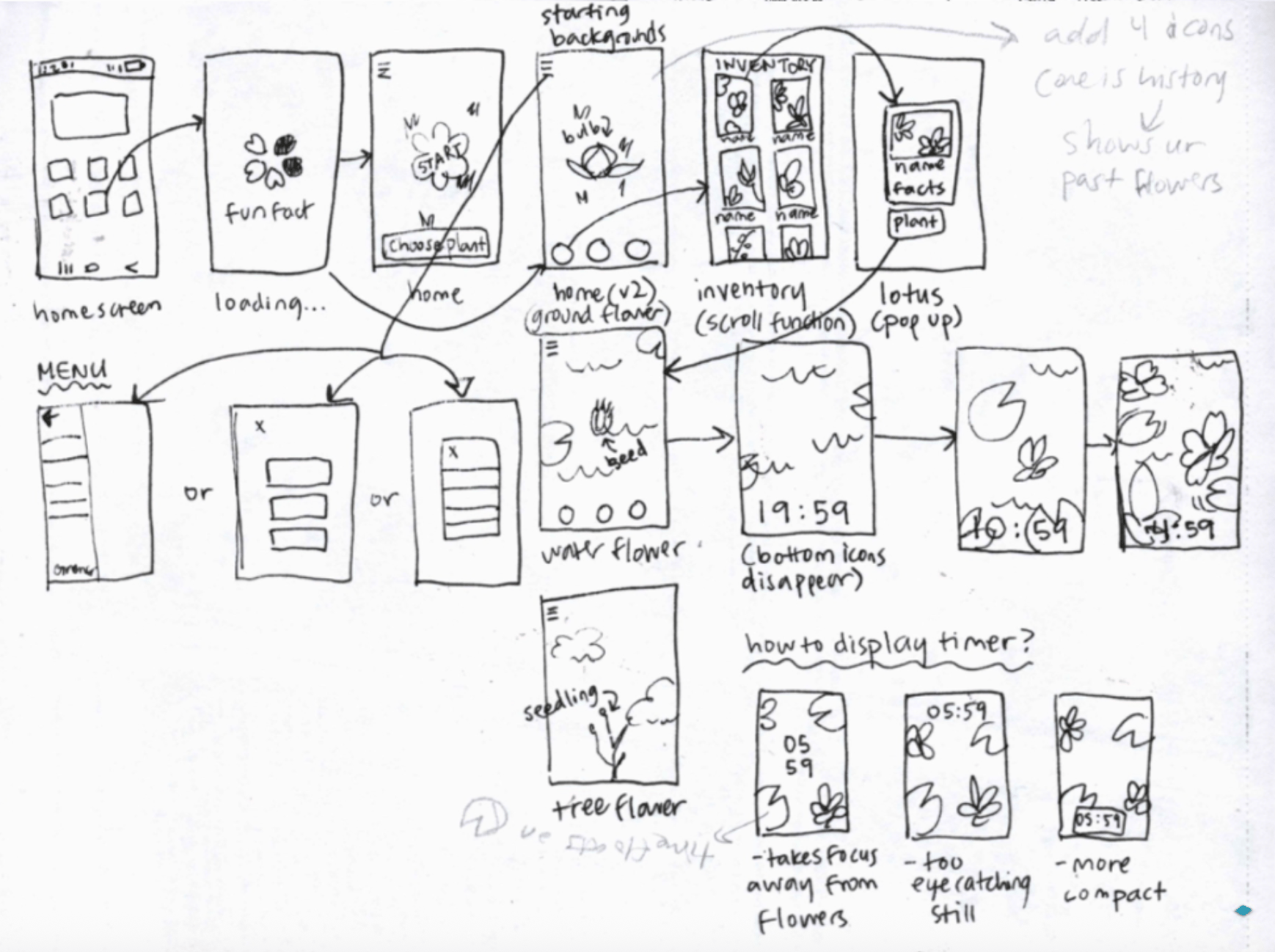
App wireframe sketches exploring different user flows
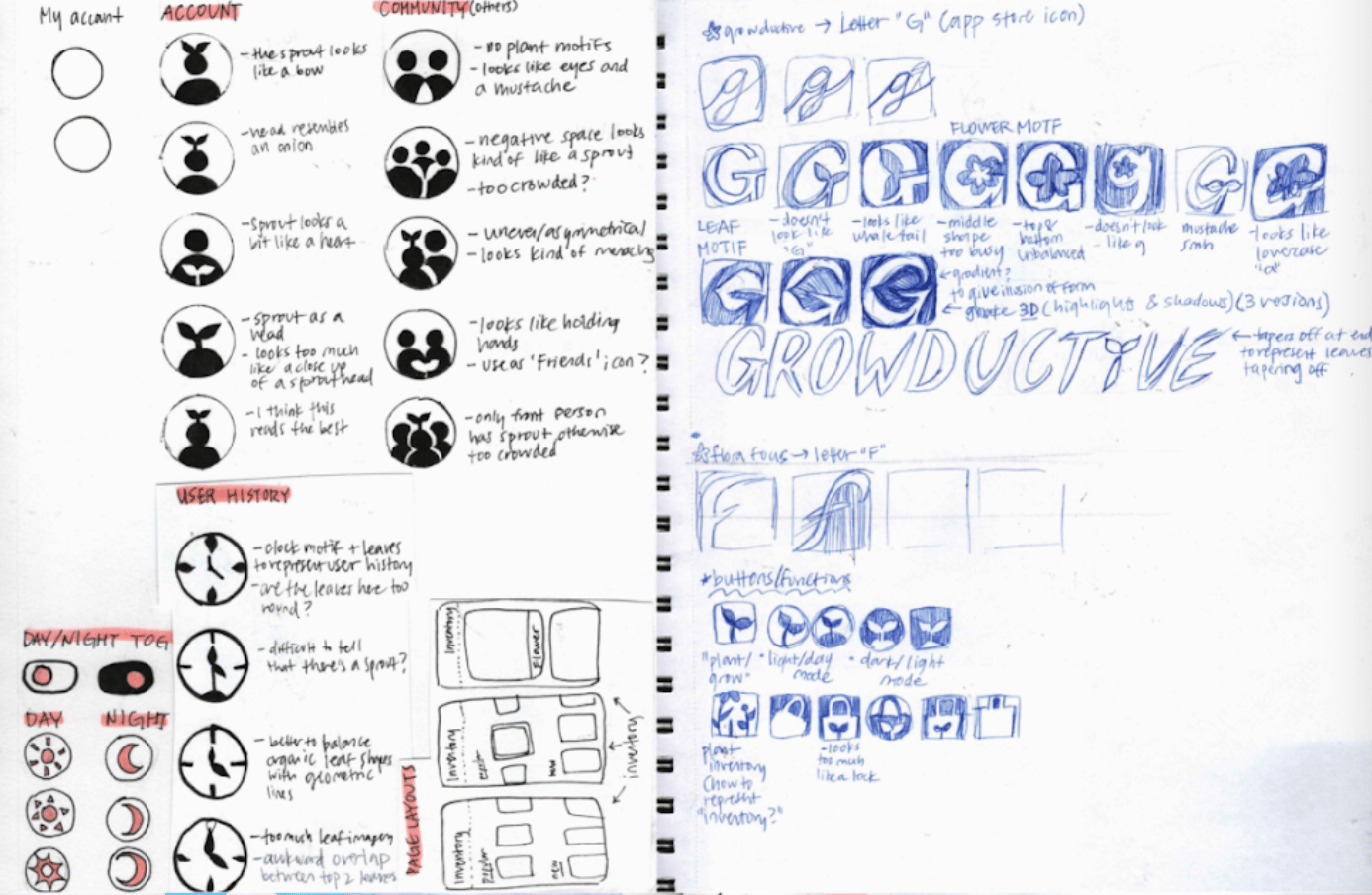
Experimenting with icons incorporating person and plant motifs, iterating logo designs, & sketching flower ideas
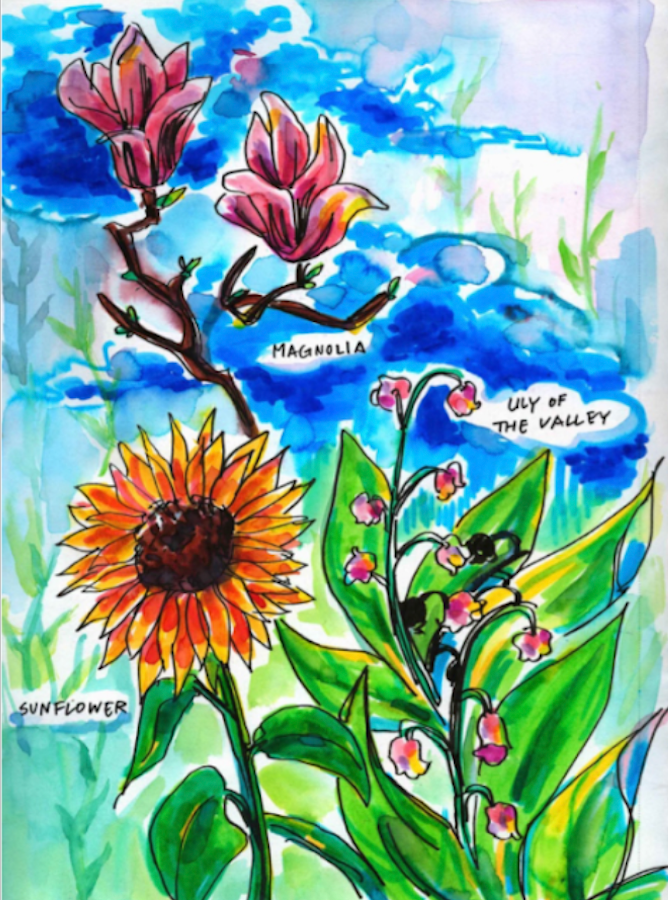
Art style and color experimentation with a few of my favorite flowers
Design Process
Initial wireframes and featuresThe app would capture each step of my studying process, which involves:
- Organizing tasks into a to-do list
- Setting a timer for 20-30 minute intervals of focused work
- Taking a 5 minute break after each study session
I created grayscale mockups of each of the features I wanted to include in GoodGrow, engaging in blue sky thinking for the kinds of tools the app might have.

Other potential features I came up with:
- Tasks: write down to-do list for that study session
- Music: choose study music to listen to
- Inventory: stores the different species of flowers the user can plant
- History: features previous flowers planted and graphs of study time
- Previous Data: statistics about weekly study time, sorted by month
- Plant Actual Trees: if students unlocked a certain
- My Garden: a page with art to see all the flowers ever planted
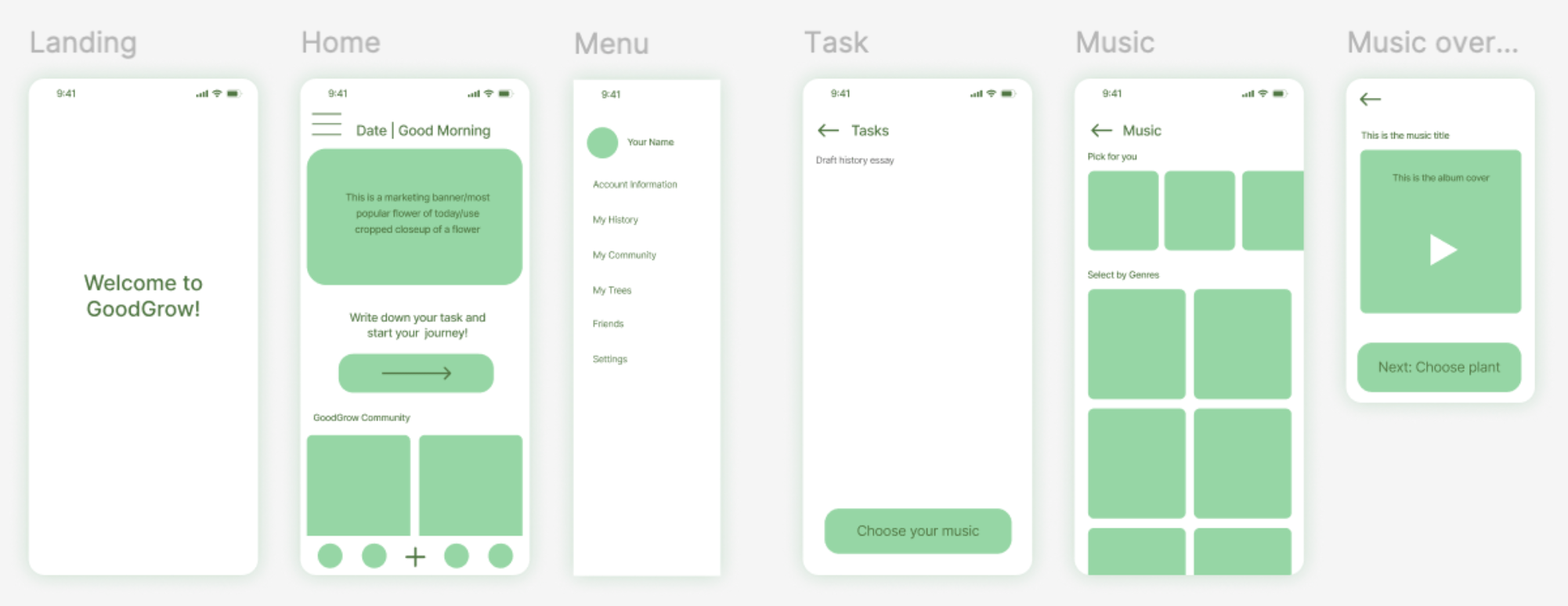
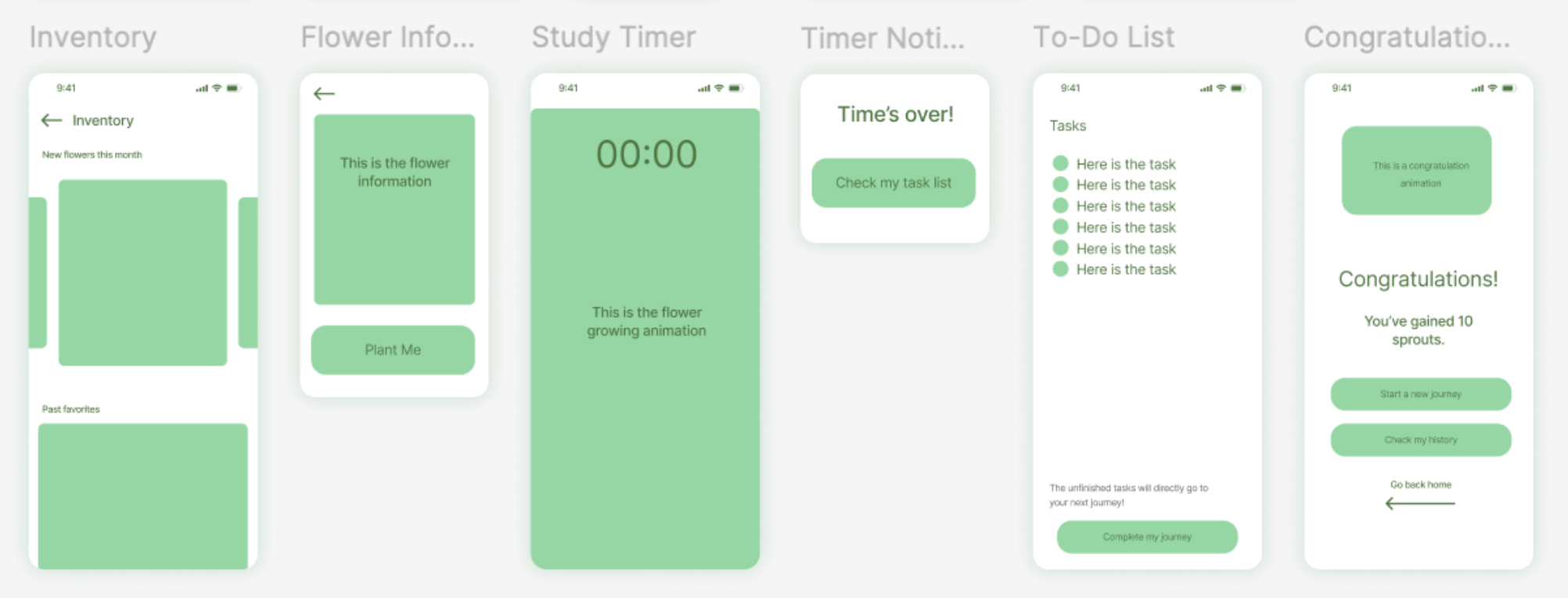
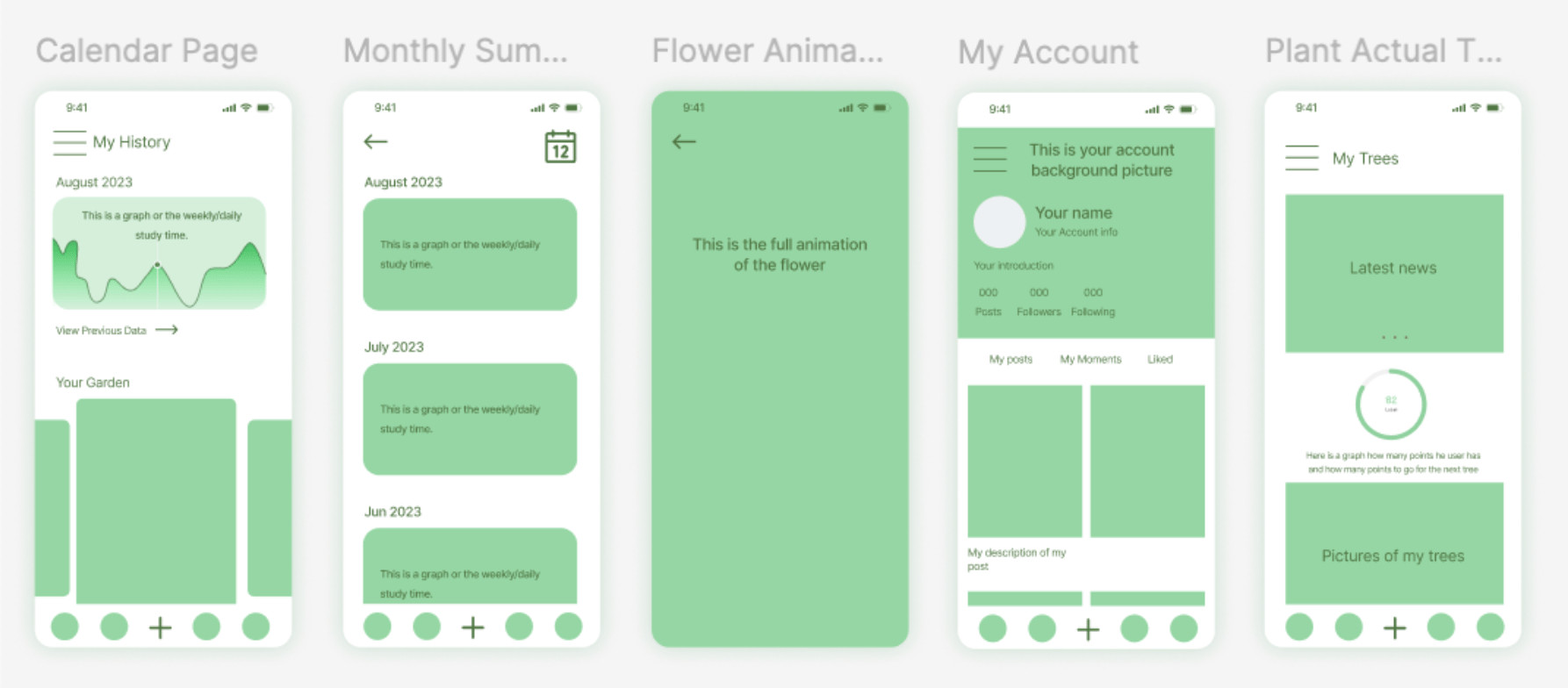
Adding detail to each wireframe
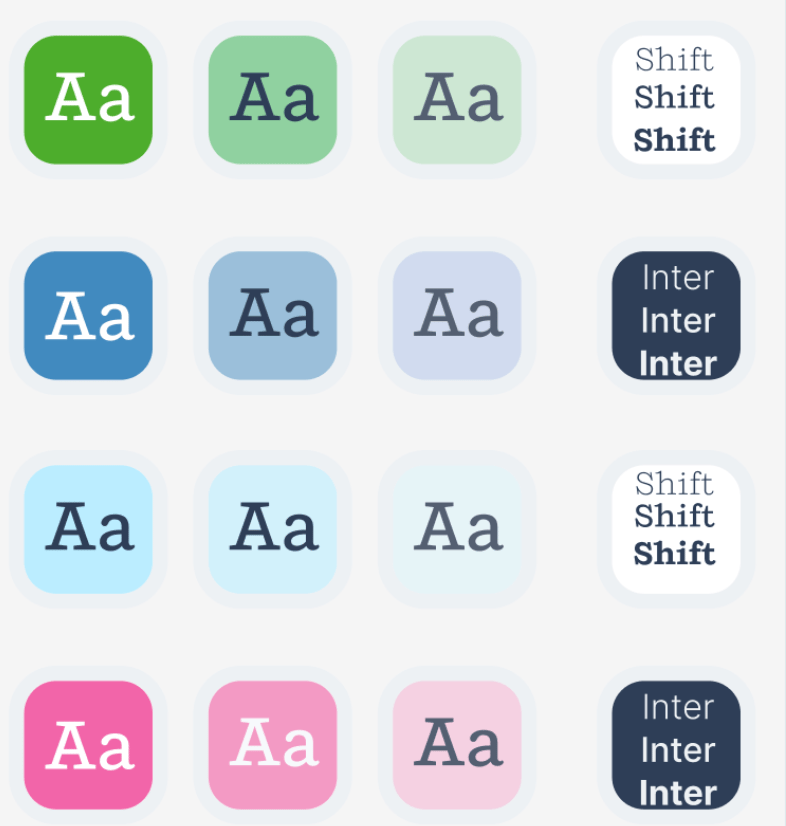
For GoodGrow's visual brand identity, I chose pastel colors and minimalistic typography families that would create a comfortable studying environment on the app. The blue and green hues matched the app's plant theme, while the pink acted as a subtle accent color.
I finalized the GoodGrow logo using muted green tones, and incorporated plant motifs like leaves and flowers into the logo. The name "GoodGrow" comes from the feature where students can plant flowers and watch them "grow" during their study session.

Incorporating the logo into GoodGrow's word mark

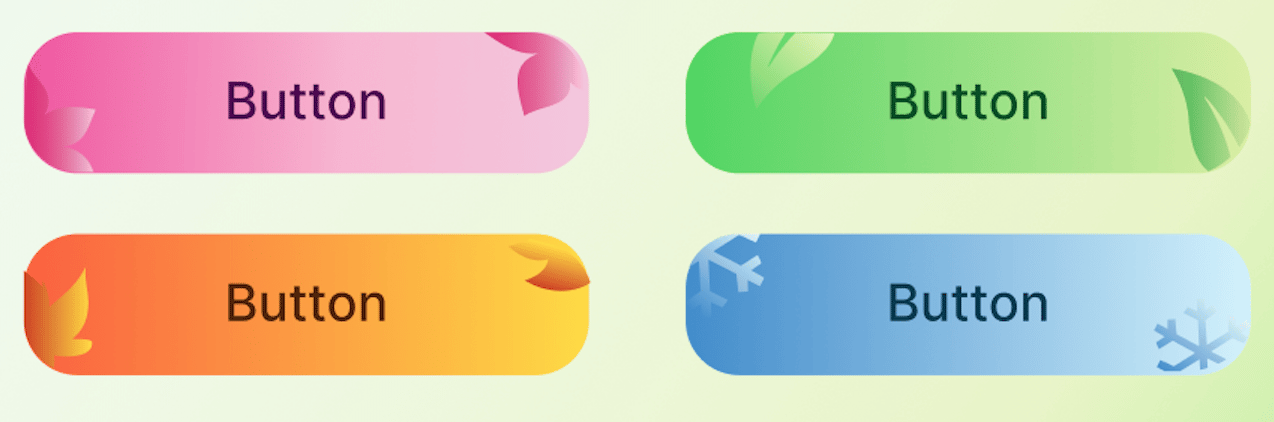
Themed logo and button designs that would change in the app store for different seasons
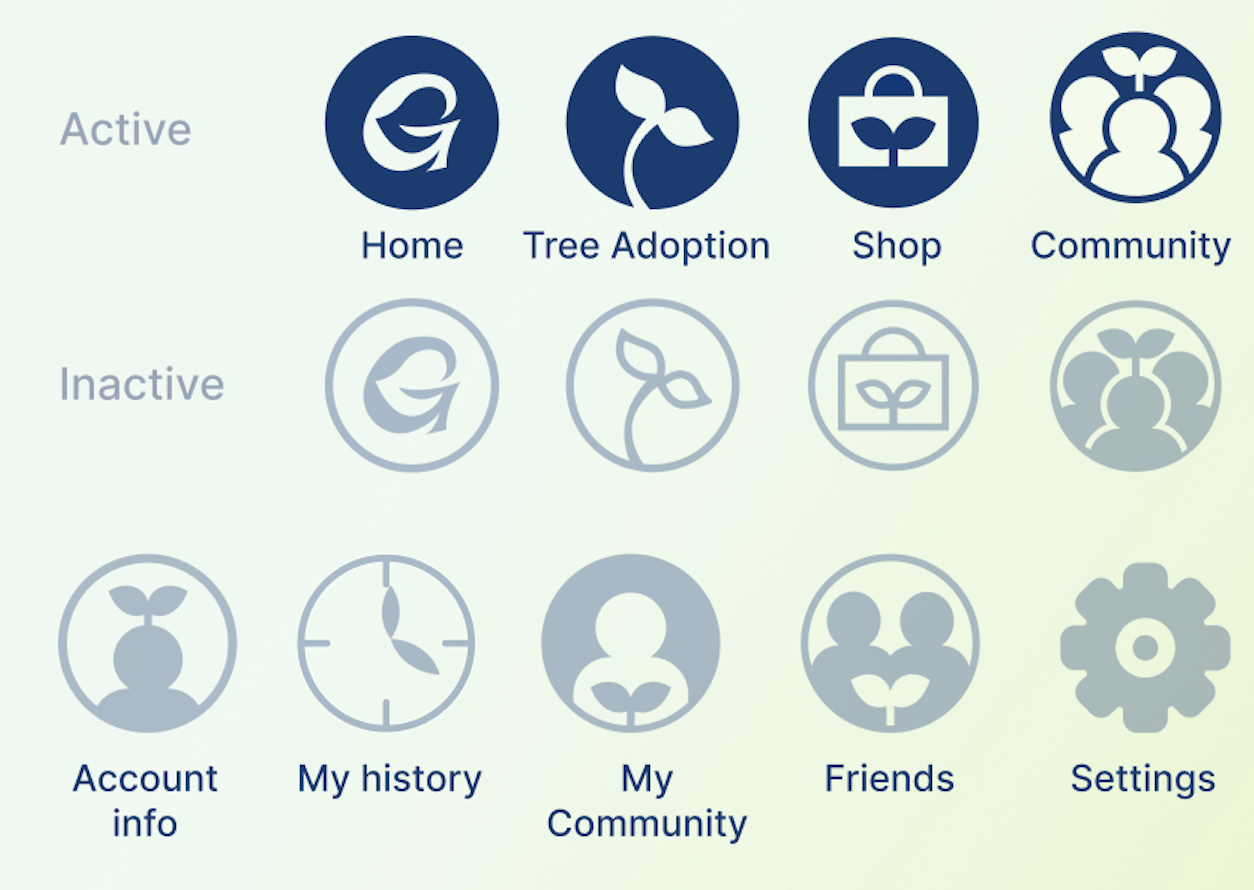
I included plant motifs into each app icon for GoodGrow's core features

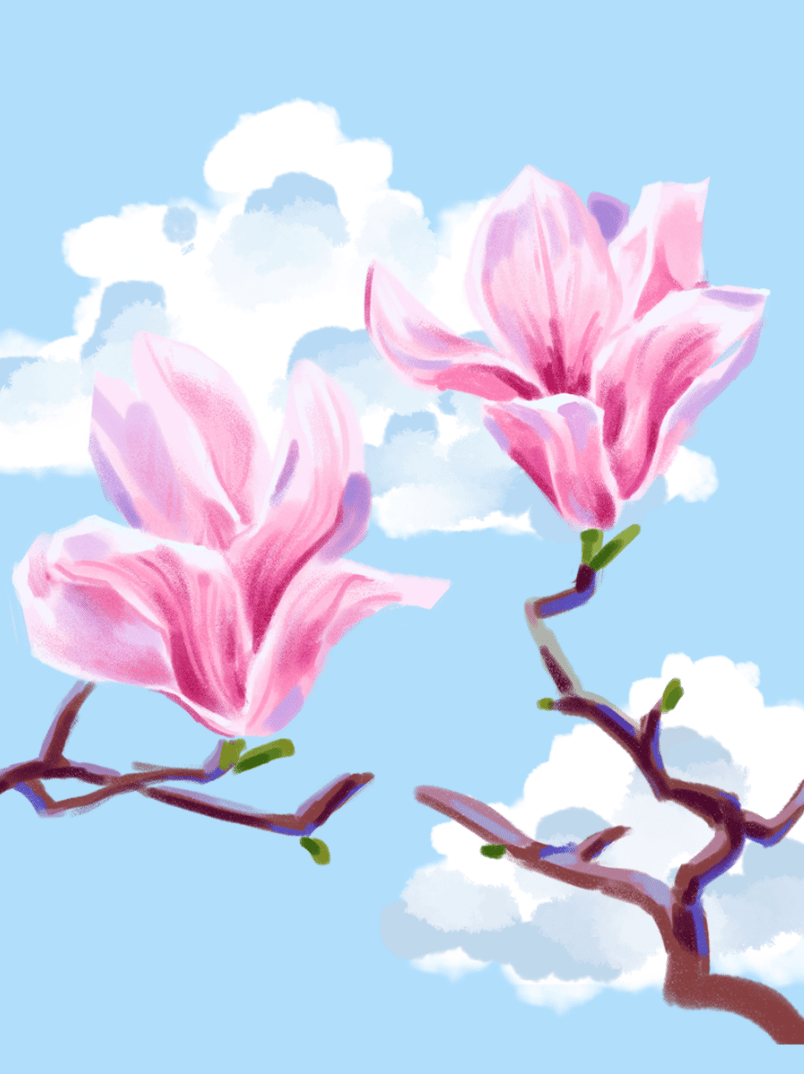
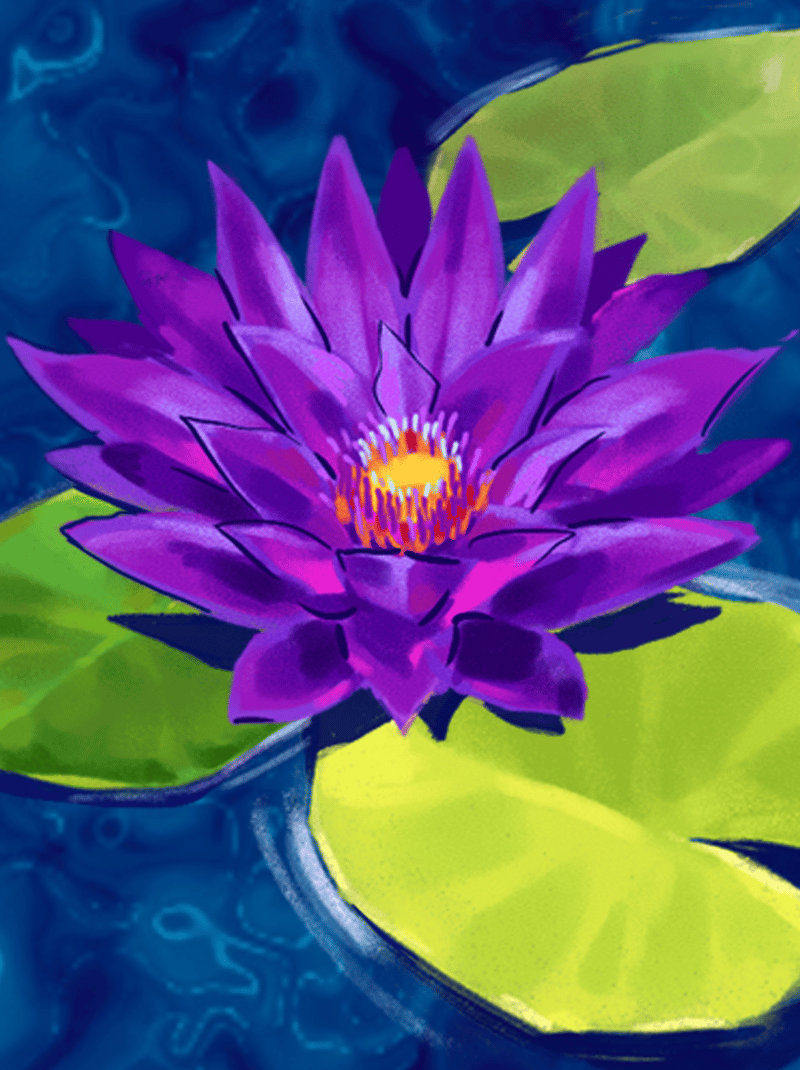
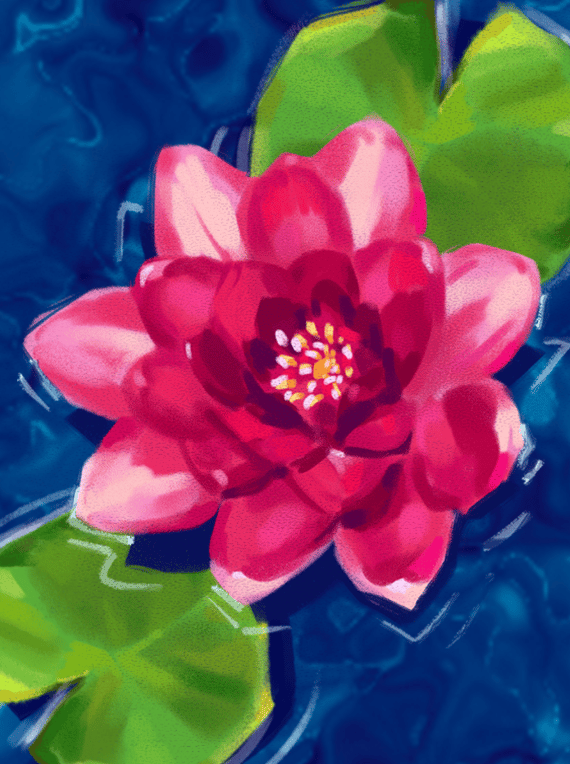
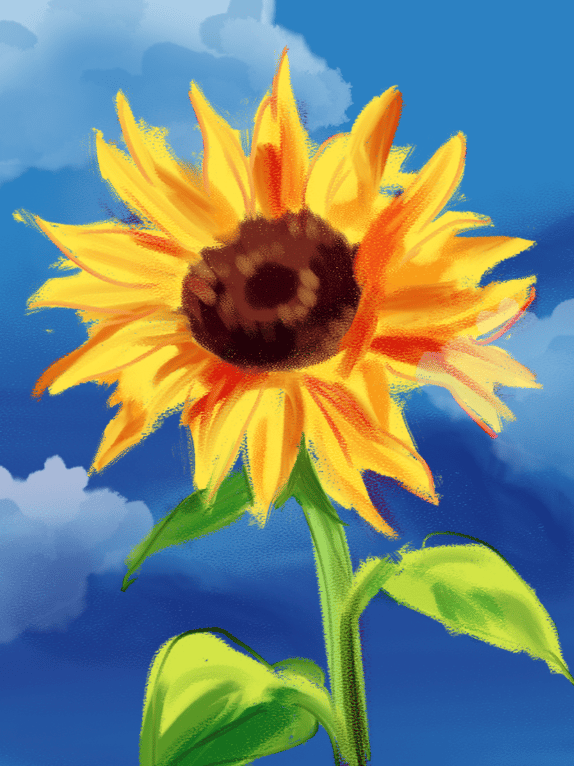
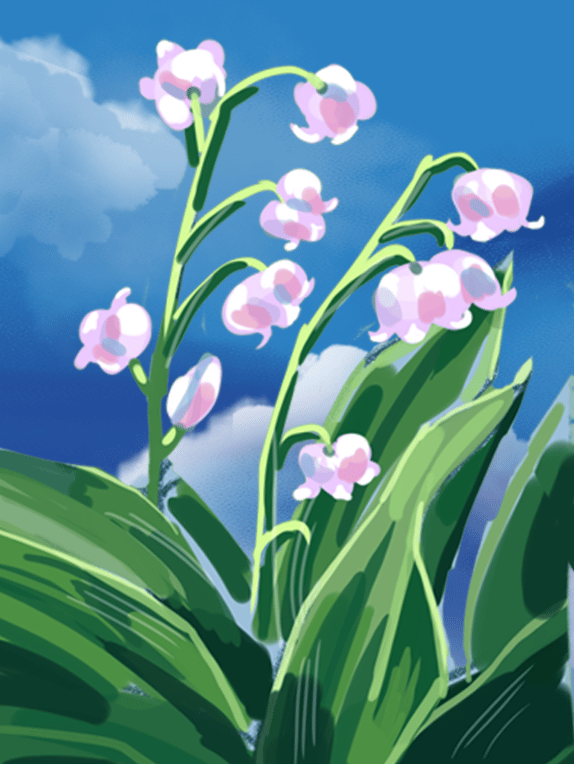
Flowers I painted for GoodGrow's app graphics (using Adobe Photoshop)! Featured here are the peony, magnolia, water lily, sunflower, and lily of the valley.
I applied my flower paintings and color scheme to the app wireframes, and experimented with different user interfaces and design components.
Due to the time constraints on creating the GoodGrow app, I settled on prototyping the most straightforward features- making a to-do list, choosing a flower to plant, setting up the study session, and gaining "sprouts" at the end of each study session.
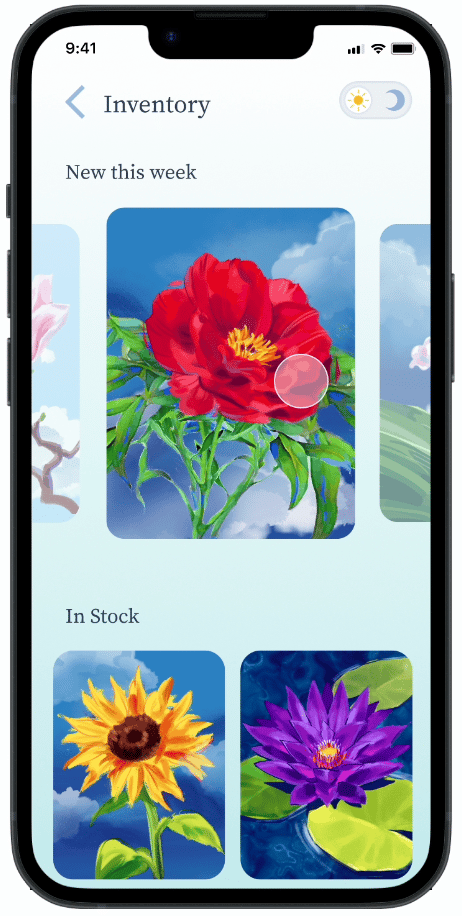
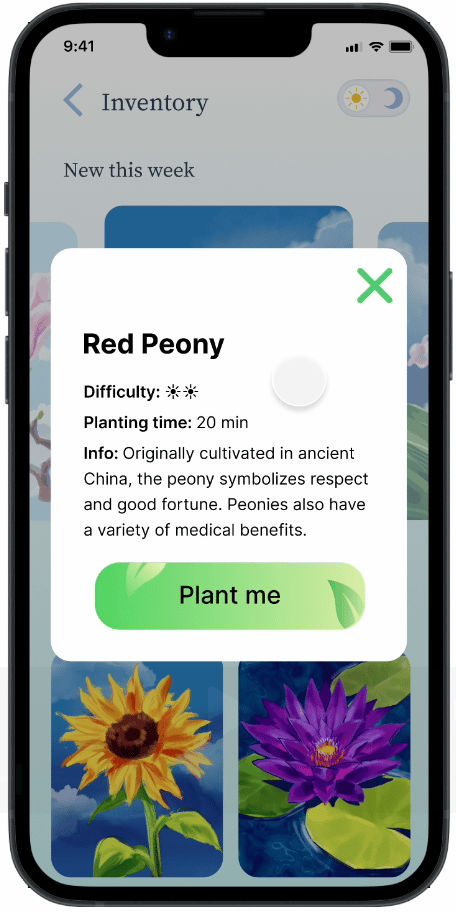
I designed components such as the informational flower pop-up and light/dark toggle, which made the app more educational and adaptable for different environments.
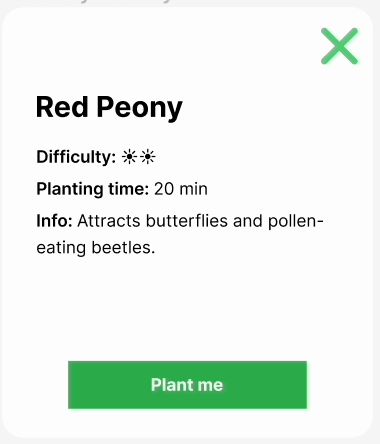
Individual flower info card
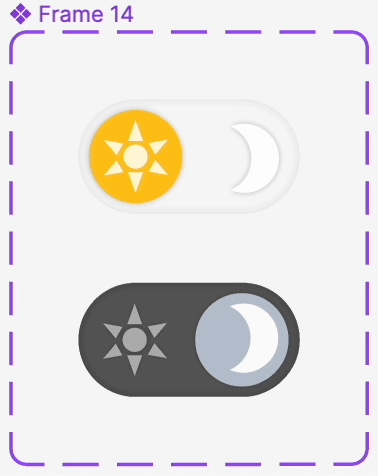
Light/dark mode toggles
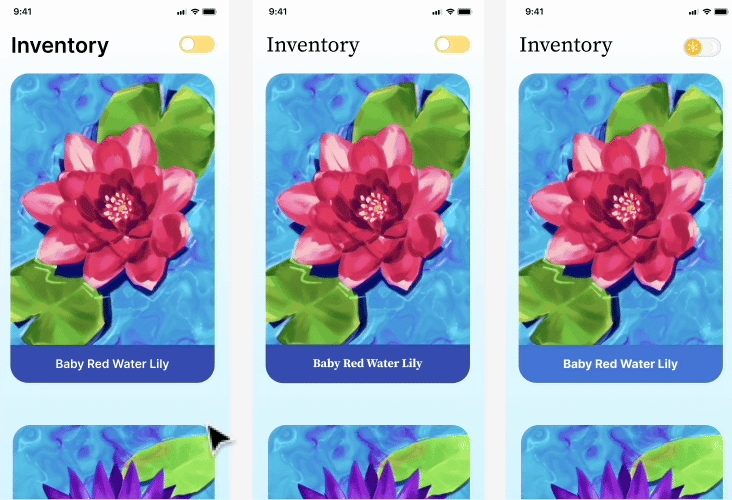
Experimenting with dark mode and different styles of content cards
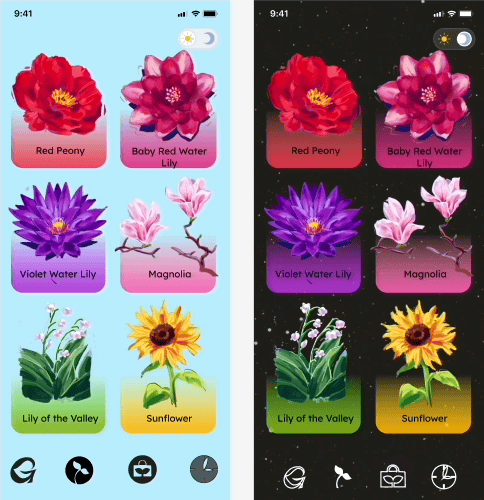
Experimenting with dark mode and different styles of content cards
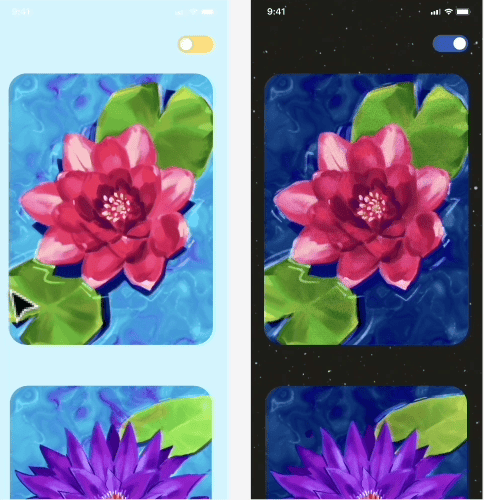
A more mobile-friendly UI with only one column of cards
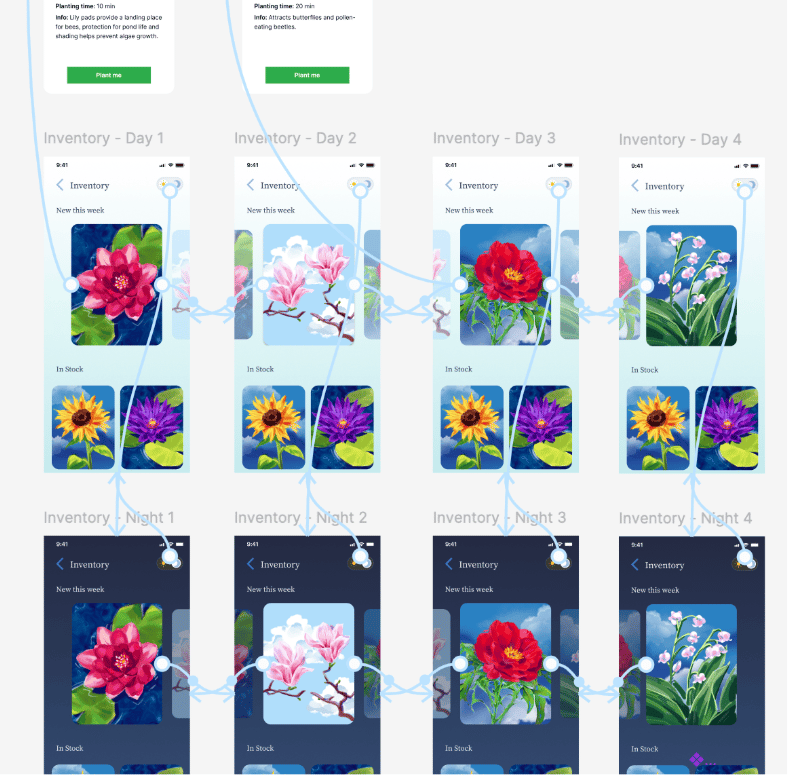
A snapshot of the prototype for the Inventory feature, with different flower cards and scroll functions
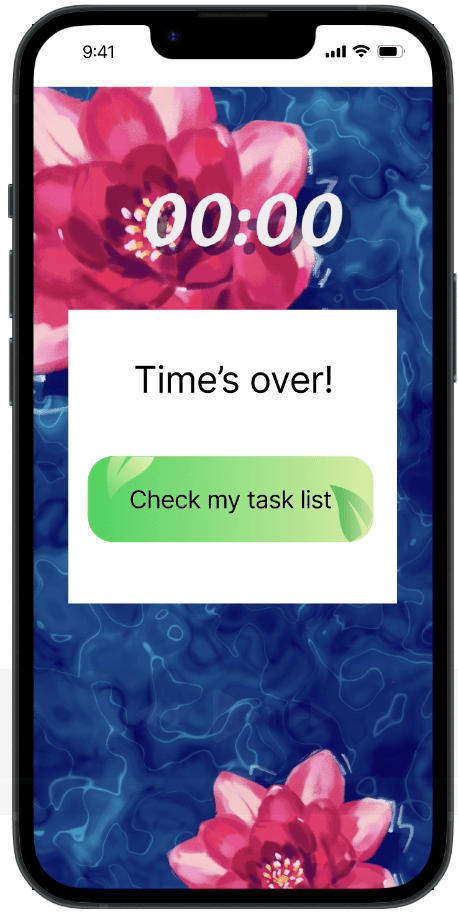
I wanted to stimulate the real experience of seeing the plants "bloom" and move around during the study timer, so I animated a timer use case with a lotus flower. Students can set a timer and work while the lotus blooms on their phone.
However, if a student picks up their phone and opens another app while the GoodGrow timer is ongoing, the flowers will "wilt" and decay (the wilting animation was ultimately out of the scope of the project due to time constraints).
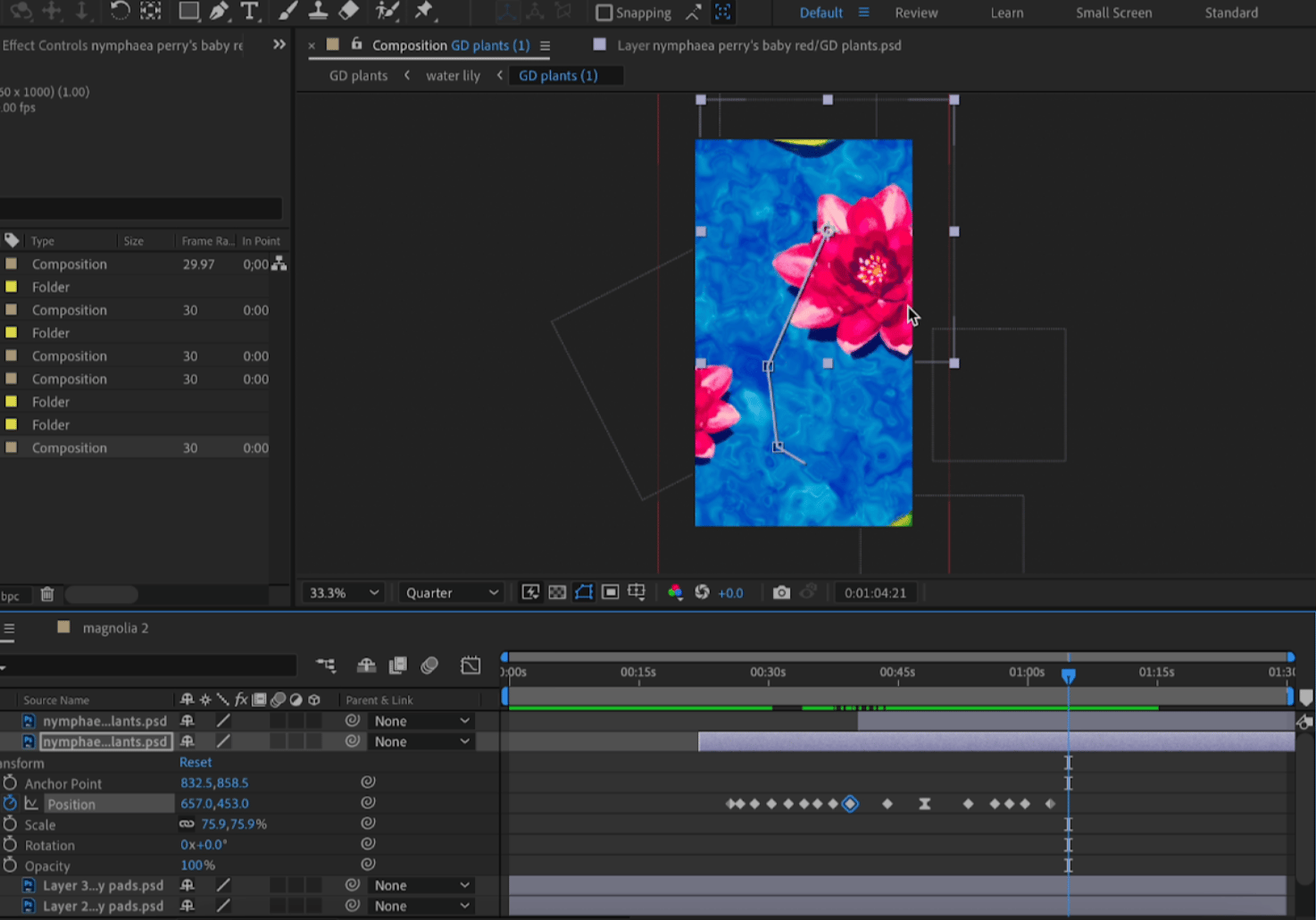
Animating the study timer in After Effects
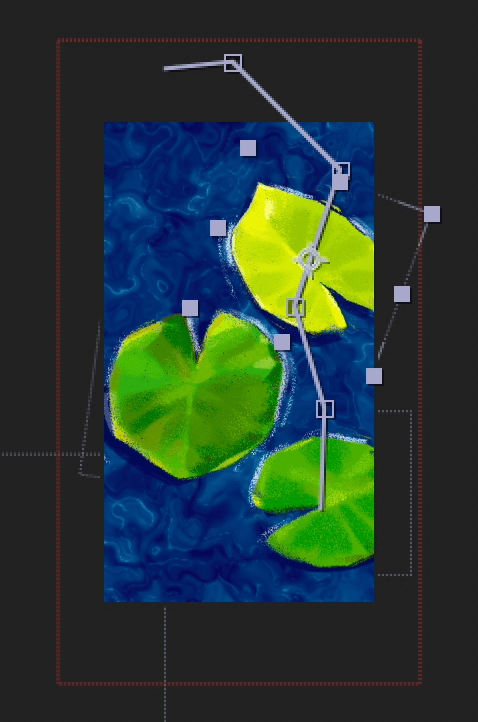
Editing the animation movement paths of the plant elements
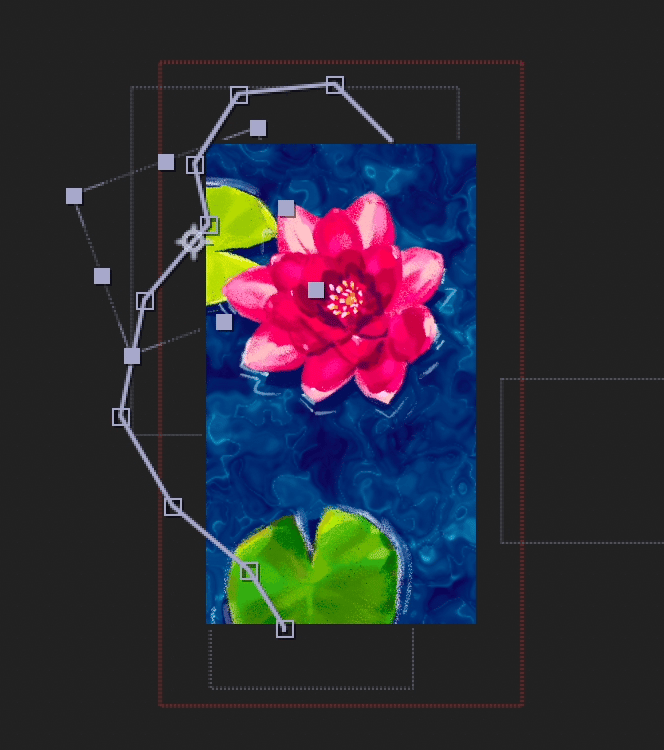
As the study session progresses, the flower will "bloom" and keep floating around
The goal of this study timer was to provide a visual alternative to distracting apps on a student's phone. If a student felt the urge to pick up their phone during studying, they would see their flower growing during the timer and remember that they had to stay focused until the flower finished blooming.
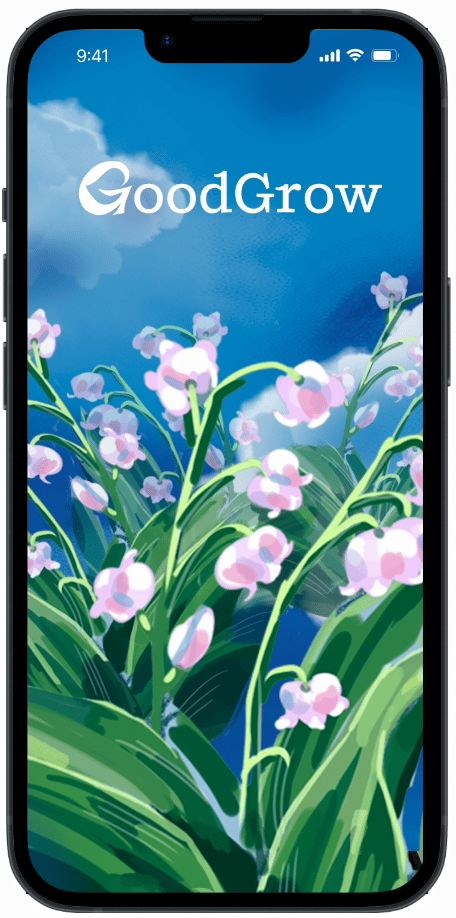
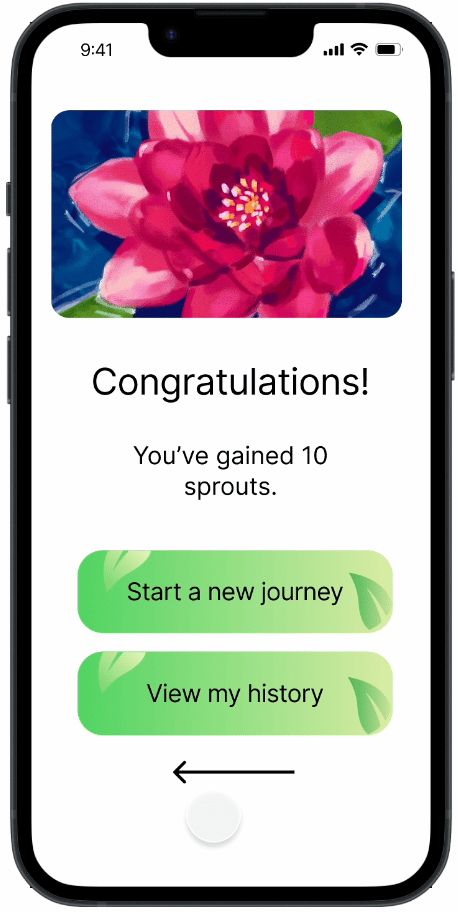
The final GoodGrow prototype features a user flow where the student makes a to-do list, sets the study timer, and successfully completes a study session.
->
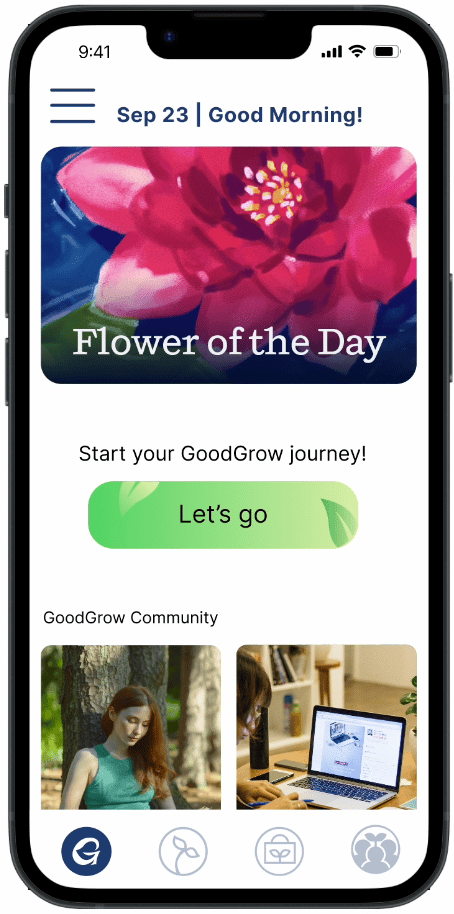
->
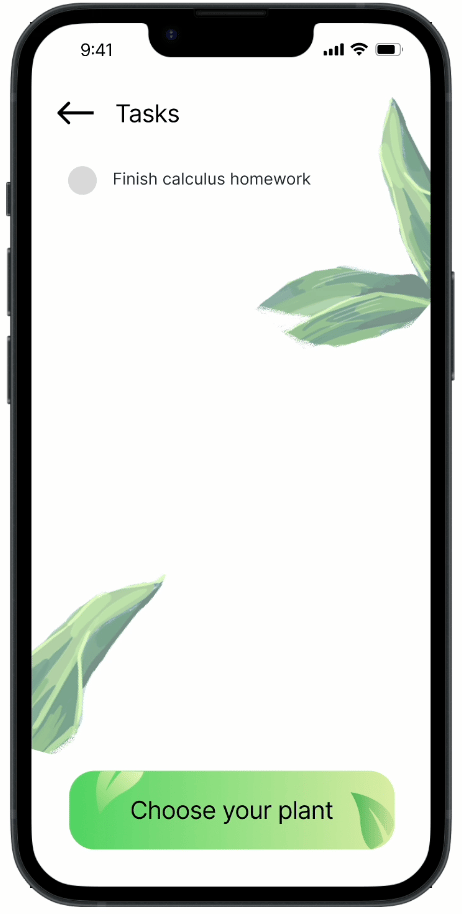
Student enters the app and writing down a task that they aim to complete within the study session
->
->

Student chooses the flower they want to plant using "sprouts" as currency, and starts the timer
->
->
Once their time is up, student gains "sprouts" as currency to get the next flower and returns to the home screen
01
02
03
I plan on advancing to the Testing stage of the UX design process, where I'll ask users to test out GoodGrow's usability. I'll reach out to classmates and mentors to suggest design edits to the app, and record data about the pain points they experience while using the app.
Making GoodGrow was the first time I'd worked on such an extensive personal project from scratch, and I learned so much about time management and the UX design process. I'm excited to keep working on GoodGrow and expanding its scope in the future!
Thanks for stopping by :)
Made with ❤︎ in Stanford, CA
Let's chat!
ANGELA.AY.YANG@GMAIL.COM